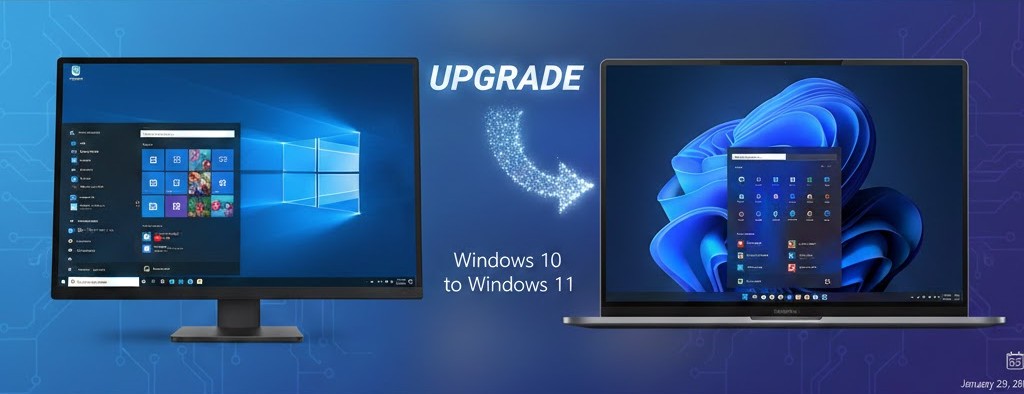
The landscape of personal computing has shifted significantly now that we have entered 2026. For many years, Windows 10 served as a reliable foundation for both homes and businesses. however, we have officially moved past the era of its active service. Navigating a Windows 11 upgrade is no longer just a matter of aesthetic preference. It is a critical step in maintaining a secure and efficient digital environment. At Cosmic Groove Consulting, we specialize in helping you transition smoothly so your technology remains in a stable orbit.
As of late 2025, we reached the Windows 10 end of life support milestone. This means Microsoft no longer provides security patches or technical updates for the older operating system. Operating on an outdated platform is similar to traveling through a debris field without a reinforced hull. Your data is exposed to new vulnerabilities that older software simply cannot deflect. Understanding the timeline and the necessity of this move is the first step toward securing your professional and personal digital assets for the years ahead.
Understanding Windows 11 Upgrade Requirements
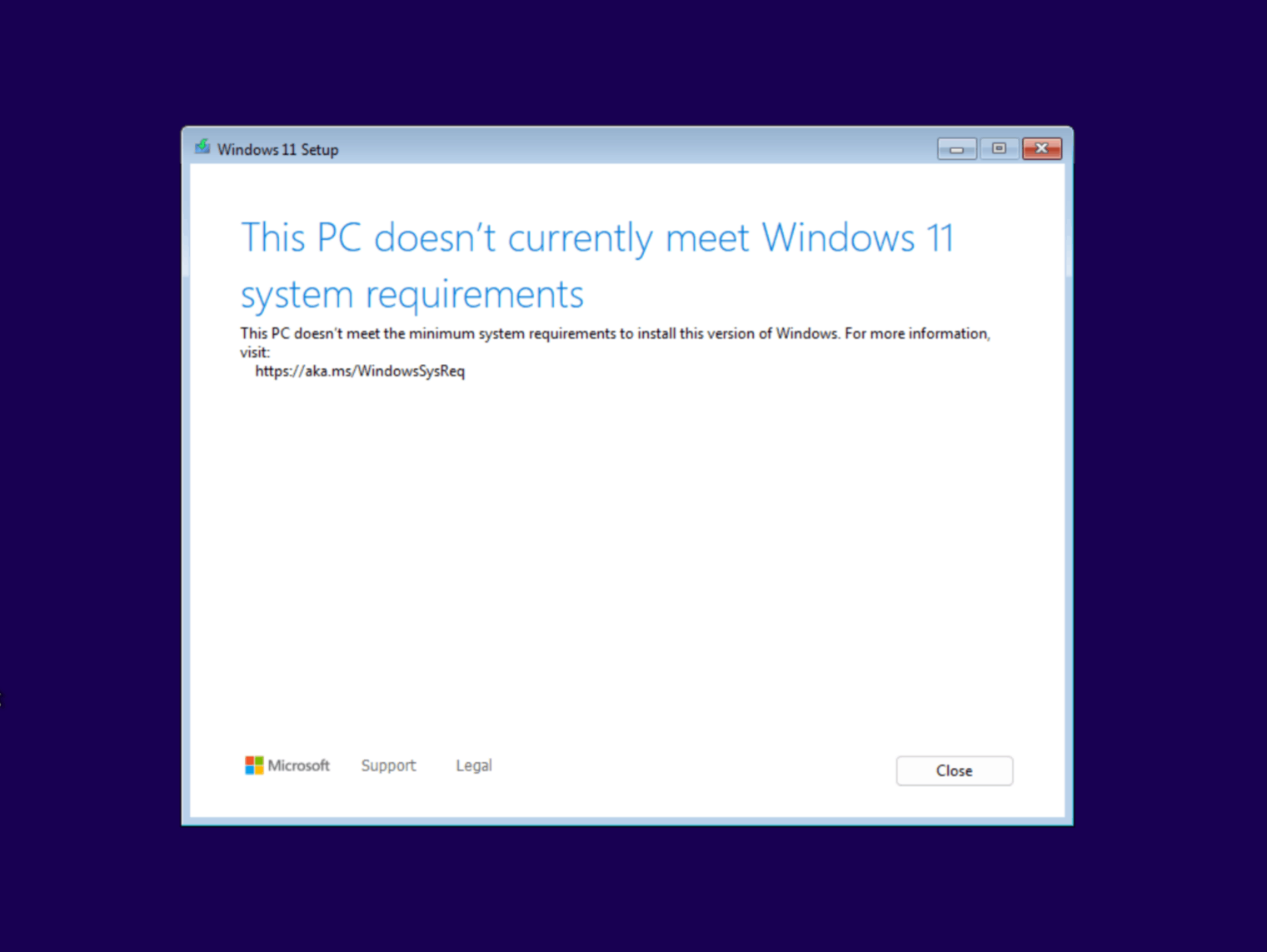
The transition requires more than just a software download. There are specific upgrading to Windows 11 requirements that your hardware must meet to function correctly. Microsoft designed the newer system to leverage modern hardware security features. Many computers purchased before 2018 may lack the necessary components. Specifically, a chip known as the Trusted Platform Module (TPM) 2.0 is mandatory for the installation. This hardware serves as a secure vault for your sensitive information and login credentials.
If you are unsure if your current device is compatible, you should perform a Windows 11 hardware compatibility check. This process involves running a diagnostic tool to verify your processor speed, RAM, and security modules. If your system fails this check, it may be time to consider a hardware refresh. Keeping your hardware current ensures that your Managed IT services in Colorado can provide the highest level of protection against emerging threats that target older, less secure machine architectures.
The Reality of Unsupported Windows Versions Risk
Ignoring the need to upgrade creates a significant unsupported Windows versions risk. Without monthly security updates, any newly discovered loophole in the software remains open forever. Hackers and malicious software frequently target these unpatched systems because they are easy points of entry. For small businesses, this can lead to data breaches or costly downtime. We prioritize securing unsupported Windows systems by helping clients move to modern platforms before a security event occurs, rather than reacting after a crisis has struck.
The process of moving all your files can be daunting. A professional Windows 11 data migration ensures that your documents, photos, and settings move safely to your new environment. Data loss is a common occurrence when users attempt to manually drag and drop files between systems without proper backups. Our team provides comprehensive IT support for Windows 11 migration to eliminate the stress of the “unknown” and ensure that your new system feels familiar and ready for use from the moment you log in.

Strategic Business Data Transfer and Local Support
For our commercial clients, a business data transfer Windows 11 project involves more than just moving files. It involves ensuring that your specialized software remains functional in the new environment. We offer tailored data migration services in Colorado to help local businesses maintain continuity during their hardware upgrades. Whether you are moving a single office or a remote workforce, we ensure that your digital assets are handled with the highest degree of care and strategic planning to avoid operational delays.
Our Colorado IT consulting team understands that every client has a unique set of needs. We integrate managed IT services in Colorado with a clear Windows 11 deployment strategy to minimize impact on your daily productivity. This includes testing your most important applications for compatibility before the upgrade begins. By taking a proactive approach, we help you avoid the common pitfalls of a rushed migration. We focus on creating a personalized experience that respects your technical background and your specific business goals.
Legacy Software Challenges After Windows 11 Upgrade
One of the biggest hurdles in any upgrade is legacy software data migration. Some older programs may not be natively compatible with Windows 11. In these cases, we find creative solutions or modern alternatives that provide the same functionality with better security. If you are located outside of our immediate area, we also provide remote Windows 11 upgrade support. This allows us to guide you through the setup process or troubleshoot compatibility issues regardless of your physical location, keeping your tech in a productive groove.
Budgeting for these changes is also an important factor for many organizations. We provide transparent pricing for the Windows 11 upgrade cost for business, helping you plan your technology roadmap without any hidden fees. Our goal is to be the premier IT security and privacy partner for our community. By choosing Colorado IT consulting Windows 11 experts, you are investing in a relationship that values the longevity and safety of your technology over a quick, one-time fix.
References
Microsoft. (2024). Windows 10 end-of-life information. https://learn.microsoft.com/en-us/windows/release-health/release-information
Let Cosmic Groove Guide Your Next Launch
Ready to bring your technology into the current era? Don’t let your security drift away in an unsupported system. Whether you need a simple hardware check or a full-scale data migration, Cosmic Groove Consulting is ready to assist. We offer personalized, stellar support to ensure your transition to Windows 11 is smooth and secure.
Contact us today to schedule your consultation:
- Phone: 720-807-4324
- Online: Visit our Contact Page
Comments are closed