

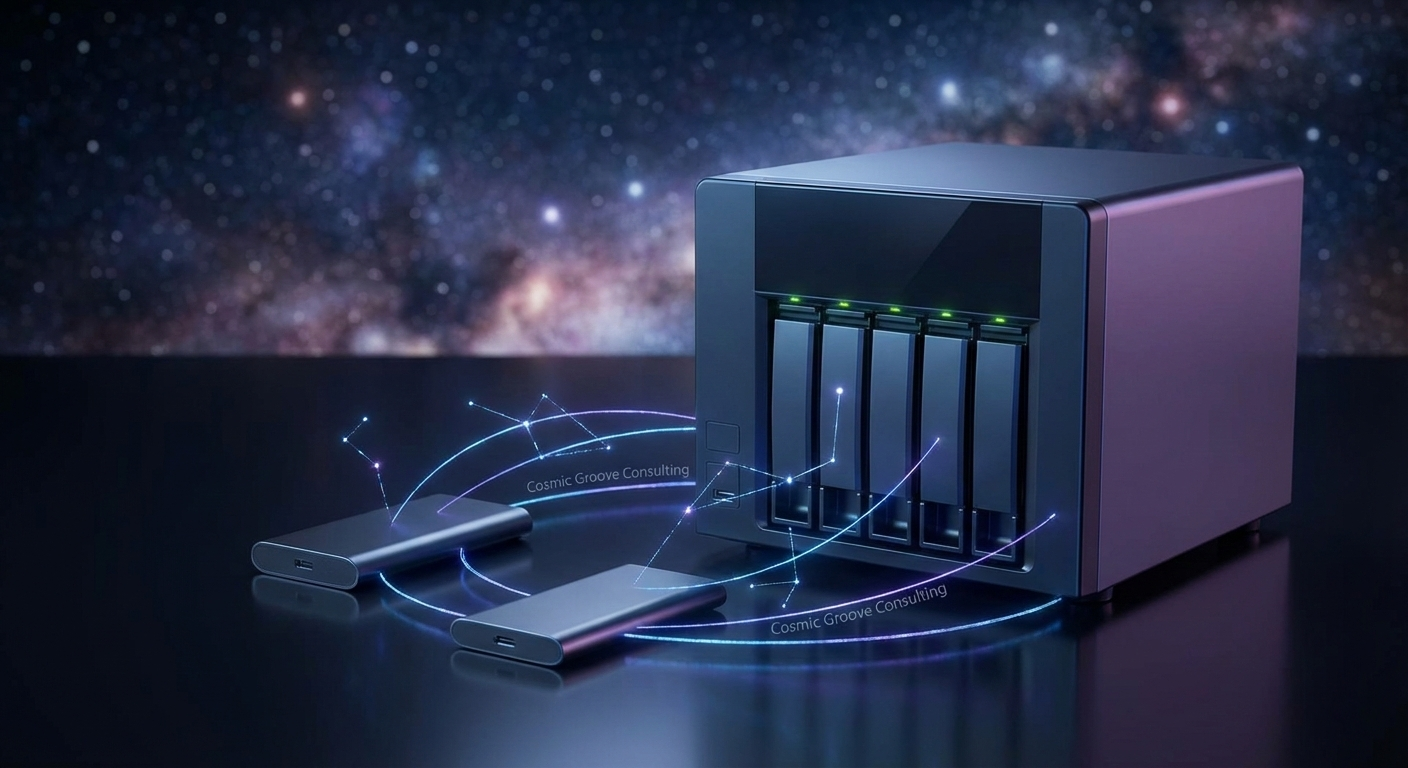
Imagine spending an entire day chasing the “Golden Hour” across a desert landscape, only to have your hard drive crash before you can even ingest the files. For a photographer, a data crash isn’t just a technical glitch; it’s a supernova event that wipes out history. At Cosmic Groove Consulting, we believe your creative legacy shouldn’t be left to chance or faulty wiring. Whether you are a professional capturing weddings or a hobbyist documenting family vacations, establishing a photography backup strategy is the only way to ensure your digital negatives remain safe for years to come.

The 3-2-1 Rule: Your Mission-Critical Safety Net
Before we dive into the hardware, we have to talk about the “3-2-1 Rule.” This is the gold standard for offsite data protection. To keep your photos safe, you need three copies of your data, stored on two different types of media, with one copy stored offsite. Think of it as having a backup oxygen tank—if your primary system fails, you aren’t left drifting in the dark.
The rule works like this:
- 3 Copies of Data: The original files plus two backups.
- 2 Different Media Types: For example, one on a remote server and one on an SSD or NAS.
- 1 Offsite Copy: A cloud-based version or a physical drive kept at a separate location.
Why Redundancy is Your Best Friend
Many photographers think having their photos on a single external drive is enough. However, mechanical drives have a 100% failure rate over a long enough timeline. By diversifying where your files live, you protect yourself against “bit rot” (the slow decay of data on storage media) as well as hardware failure and physical disasters like fire or theft. Having a redundant system means that when one drive inevitably fails, your workflow doesn’t skip a beat.
Hardware Constellations: NAS and External SSDs
Your local storage is the center of your creative universe. For high-speed editing, an external SSD for editing is a must-have. Unlike traditional spinning disks, SSDs (Solid State Drives) are incredibly fast and lack moving parts, making them less likely to break if you’re editing on a flight or at a coffee shop. Brands like Samsung and SanDisk offer rugged versions that can withstand the bumps of travel.
Wireless Ingest: Bridging the Gap in Real-Time
For years, wireless camera features were often dismissed as clunky or unreliable. However, newer models from Sony, Canon, and Nikon have turned the tide, offering high-speed “Camera-to-Cloud” workflows that allow you to start your photography backup strategy the second you press the shutter.
Cutting the Cord with Modern Apps
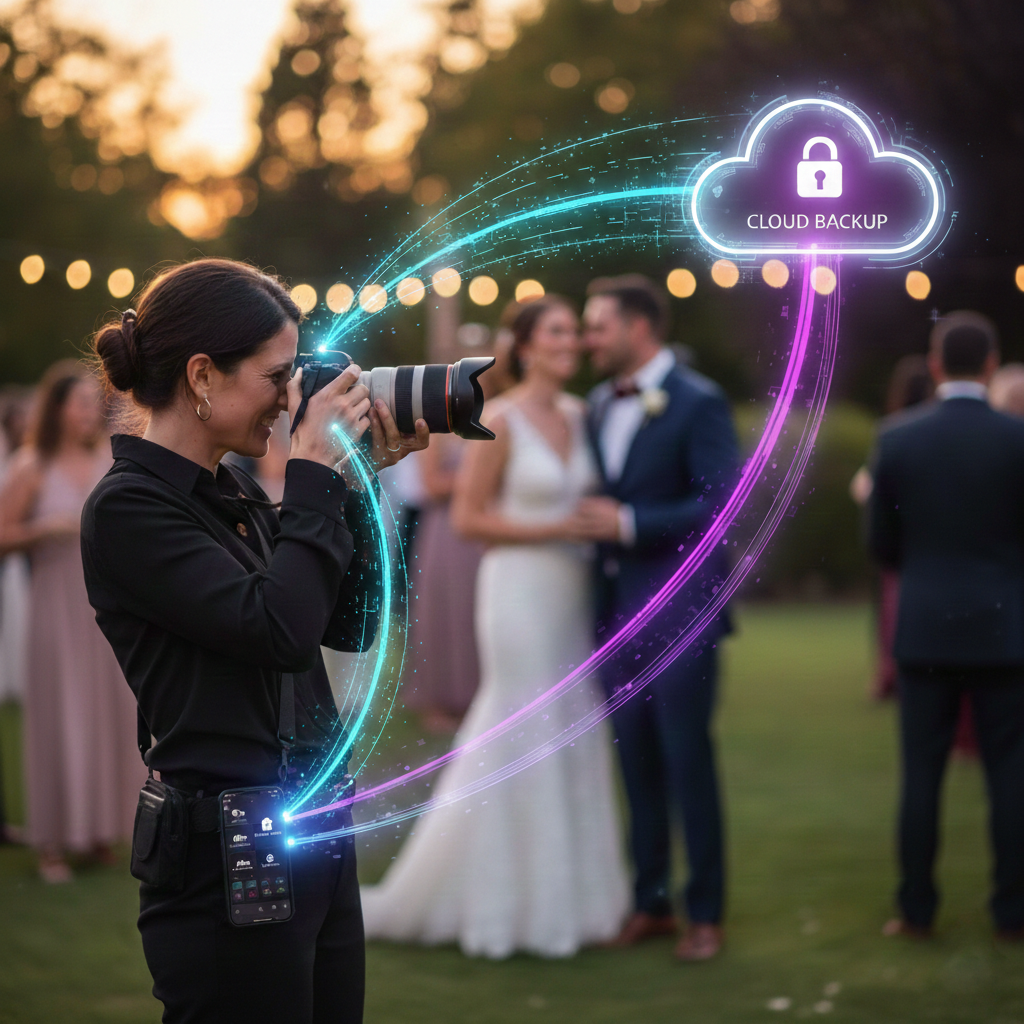
Newer cameras now support direct wireless ingest, meaning you can send JPEGs or even lightweight RAW files directly to your mobile device or a remote server without ever pulling a card.
- Manufacturer Apps: Tools like Nikon SnapBridge, Canon Camera Connect, and Sony Creators’ App have evolved significantly. They now allow for “Auto-Transfer,” where images are beamed to your phone in the background as you shoot.
- Third-Party Powerhouses: For professionals, apps like Cascable or NX MobileAir offer more robust FTP (File Transfer Protocol) options. This is vital for wedding or sports photographers who need to get “safety copies” to a remote editor or a home NAS instantly.
- Adobe Camera-to-Cloud (C2C): Some high-end bodies now integrate directly with Frame.io, uploading proxies or full-res files straight to the cloud via a cellular hotspot.
Why It Matters for Your Backup
Wireless ingest isn’t just about social media sharing; it’s about immediate redundancy. If your camera is stolen or your SD card fails at the end of a shoot, those wireless transfers might be the only copies of your work that exist. Think of it as a “pre-backup” that ensures your data is off the camera and into your digital ecosystem before you even pack your bags.
The Power of NAS for Photo Storage
For those with massive libraries, a NAS for photo storage (Network Attached Storage) is a game-changer. Brands like Synology and QNAP allow you to create a “private cloud” in your own home. A NAS uses multiple drives working in tandem (RAID) so that if one drive fails, your data remains intact. It’s like having a planetary shield around your most precious memories. If you are using a QNAP system for your studio, you might also be interested in our guide on remote access solutions for small businesses to see how you can access your files securely from the field.
Cloud Landscapes: Backblaze and Offsite Security

While local drives are fast, they can’t protect you from a house fire or a flood. That’s where cloud backup for RAW files comes into play. Services like Backblaze for photographers are favorites in the industry because they offer “set-and-forget” background uploading. This ensures that as soon as you finish a session, your files begin their journey to a secure, offsite location without you having to lift a finger.
Choosing the Right Cloud Provider
- Backblaze: Affordable and offers unlimited storage for a single computer.
- IDrive: Great for those who need to back up multiple devices, including mobile phones and tablets.
- Amazon Photos: Offers unlimited RAW storage for Prime members, though its interface is less geared toward professional workflows compared to dedicated backup services.
Using these tools ensures that even if your home studio is hit by a metaphorical meteor, your files are safely tucked away in a remote data center. This is a critical step in any photography backup strategy.
Managing the Software Bridge: Lightroom and Capture One
Backing up your photos is only half the battle; you also need to back up your work. Your edits, ratings, and metadata are stored in catalog files, which are separate from the actual image files. If you aren’t backing up these database files, you’re only saving the “negatives,” not the finished art.
Lightroom Catalog Backup
In Adobe Lightroom, your Lightroom catalog backup settings should be prompted every time you exit the software. This file contains all your sliders, presets, and organizational work. If you lose the catalog, you might still have the RAW photo, but you’ll have to start your editing from scratch. Make sure your catalog is stored on a drive that is itself being backed up to the cloud.
Capture One Session Management
For those using Capture One session management, the process is slightly different but equally vital. Since Capture One often stores “Proxies” and “Settings” within session folders, ensuring these folders are included in your automated photo backup routine is essential for a seamless recovery. We often recommend creators check the Official Adobe Support pages for the most up-to-date catalog safety protocols.

The Importance of Automated Photo Backup
The greatest threat to your data isn’t hardware failure—it’s human error. We get busy, we forget to plug in the drive, or we skip the backup prompt because we’re in a rush. This is why an automated photo backup system is non-negotiable. By using software like Carbon Copy Cloner, ChronoSync, or Time Machine, you can schedule your local drives to mirror each other every night. When combined with a cloud service like Backblaze, you create a hands-off ecosystem that protects your work while you sleep.
How Cosmic Groove Consulting Can Help
Navigating the galaxy of storage options can feel overwhelming. You’re a creator, not a server technician! That’s where we come in. Cosmic Groove Consulting specializes in building custom tech environments that work for you, not against you. We understand that your home network and NAS usage needs to be seamless so you can focus on the art, not the troubleshooting.
- Custom NAS Setup: We can configure your Synology or QNAP system to ensure maximum redundancy.
- Cloud Integration: We’ll help you pick the right cloud provider and ensure your automated photo backup is running correctly.
- Home Network Optimization: We ensure your network is fast enough to handle massive 45-megapixel RAW files without lagging.
- Workflow Audits: Not sure if your current IT security or data privacy measures are up to par? We can review your entire digital studio.
Don’t let your memories fade into the cosmic dust. Let’s get your digital life in the groove and protected for the long haul.
Meta Description:
Ready to secure your creative legacy? Visit us at www.cosmicgrooveconsulting.com
Call us: 1-720-807-4324
Contact: Get in the Groove
No responses yet